Access & Navigation
This section details how to access the INMACOM MIS portal, log in securely, and navigate the primary maps and dashboards.
1. Landing Page & Public Access
When you first navigate to the portal, you are presented with the landing page. This page is publicly accessible and provides an overview of the river basin, treaty documents, and key contact details.
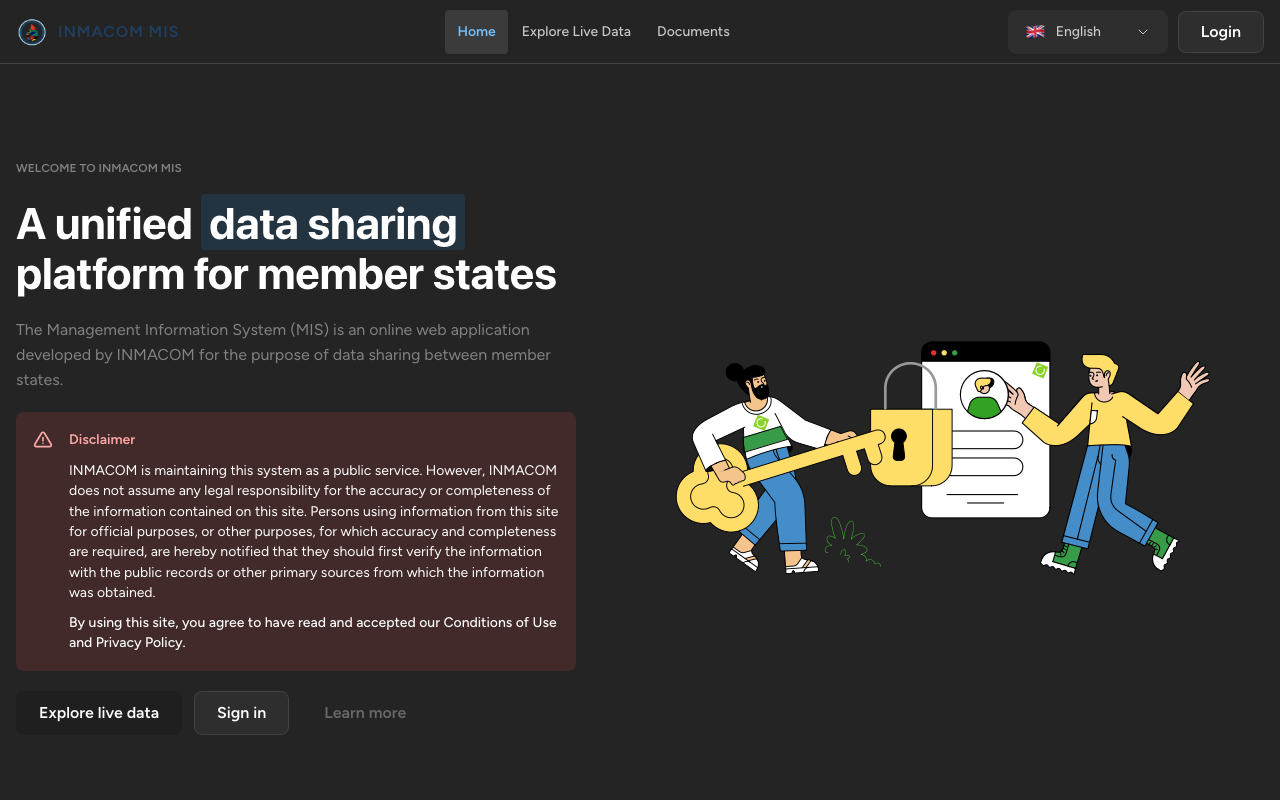
From this screen, you can:
- Explore the public basin map by clicking Explore Map.
- Access public files and treaty agreements under the Documents tab.
- Click Sign In in the top-right corner to access your authenticated dashboard.
2. Authentication and PIN-gating
For secure access, user sign-up is protected by a PIN-gate:
- Verification: New users must enter a valid 6-digit registration PIN provided by their country administrator.
- Account Setup: Upon PIN validation, the user enters their email and password to create a Firebase account.
- Session Verification: If an email is verified, they are logged in and redirected to the main dashboard.
3. Geographic Dashboard Navigation
Once logged in, the primary dashboard displays a geographic representation of the Incomati and Maputo Basins across Mozambique, South Africa, and Eswatini.
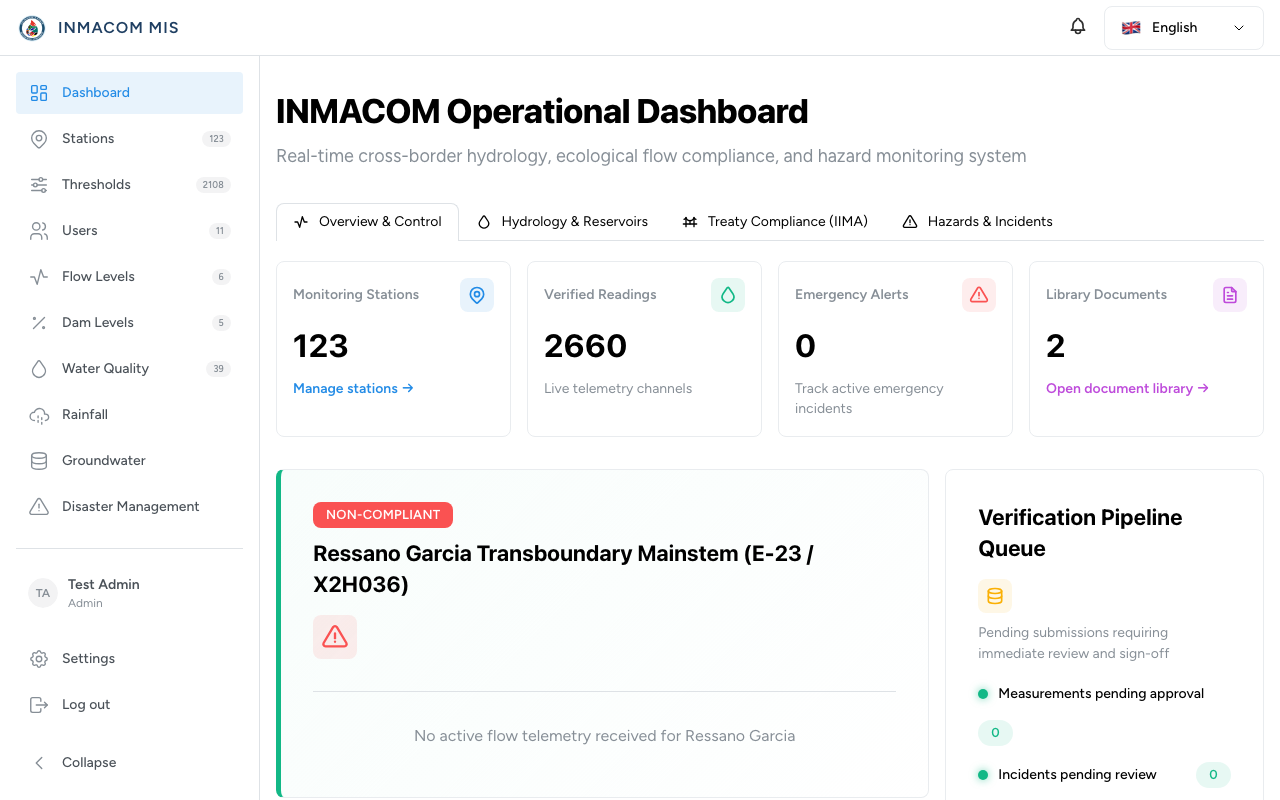
Core Interactive Elements
- GIS Map View: Shows real-time monitoring stations. Circle markers indicate the status of each station:
- 🟢 Green: Station is active and all measurements are within compliance thresholds.
- 🟡 Yellow: Low priority warning (minor threshold exceeded).
- 🔴 Red: Critical alert (minimum instream flow violated or hazard reported).
- Basin Statistics Panel: Displays a summary of total abstraction volumes, active alerts, and pending reviews.
- Top Navigation Bar: Quickly switch between Stations registry, GIS pages, IIMA Compliance, and the Document Library.